Does Clicker include channels, movies, or subscriptions?+
No. Clicker is media-player software only. It does not provide, sell, host, recommend, or bundle channels, playlists, subscriptions, or any audiovisual content. You bring a source you are authorized to use.
Will it work with my provider?+
If your provider gives you an M3U link, an Xtream Codes login (server, username, password), or a Stalker portal address, check support for your chosen platform before installing. Compatibility also depends on the stream format, source access and device. Clicker reads standard playlists and guides; it has no list of providers and no partnership with any of them.
Does it work with HDHomeRun, Tvheadend, ErsatzTV or Tunarr?+
Yes. Add the server's playlist address like any other playlist — for an HDHomeRun tuner that is http://<tuner IP>/lineup.m3u — and the TV app asks once to confirm it is your own server. ErsatzTV and Tunarr bring their guide with them; for HDHomeRun add a listings guide such as Schedules Direct, and Clicker matches channels like "2.1 KATU" to it. It works on Fire TV and Android TV (version 1.16.0 and later). Step-by-step setup for each server is at clickerplayer.com/home-tv-servers.
Can I use it on my phone or tablet?+
Clicker is built for TVs. A phone or tablet can still help: it can type your playlist address into the TV during setup, and, with Plus, work as a remote for a paired TV.
What do I need to use it?+
A supported device and a playlist or compatible source you are legally authorized to access — an M3U URL, an Xtream-compatible account, or a Stalker portal.
Will it handle my provider's huge playlist?+
That is the design center. Imports are atomic and indexed, so playlists with tens of thousands of channels and titles stay fast on TV hardware — the published million-entry benchmark has the numbers.
Which devices are supported?+
Fire TV, Android TV, and Google TV on Android 5.0 or newer.
Where does the program guide come from?+
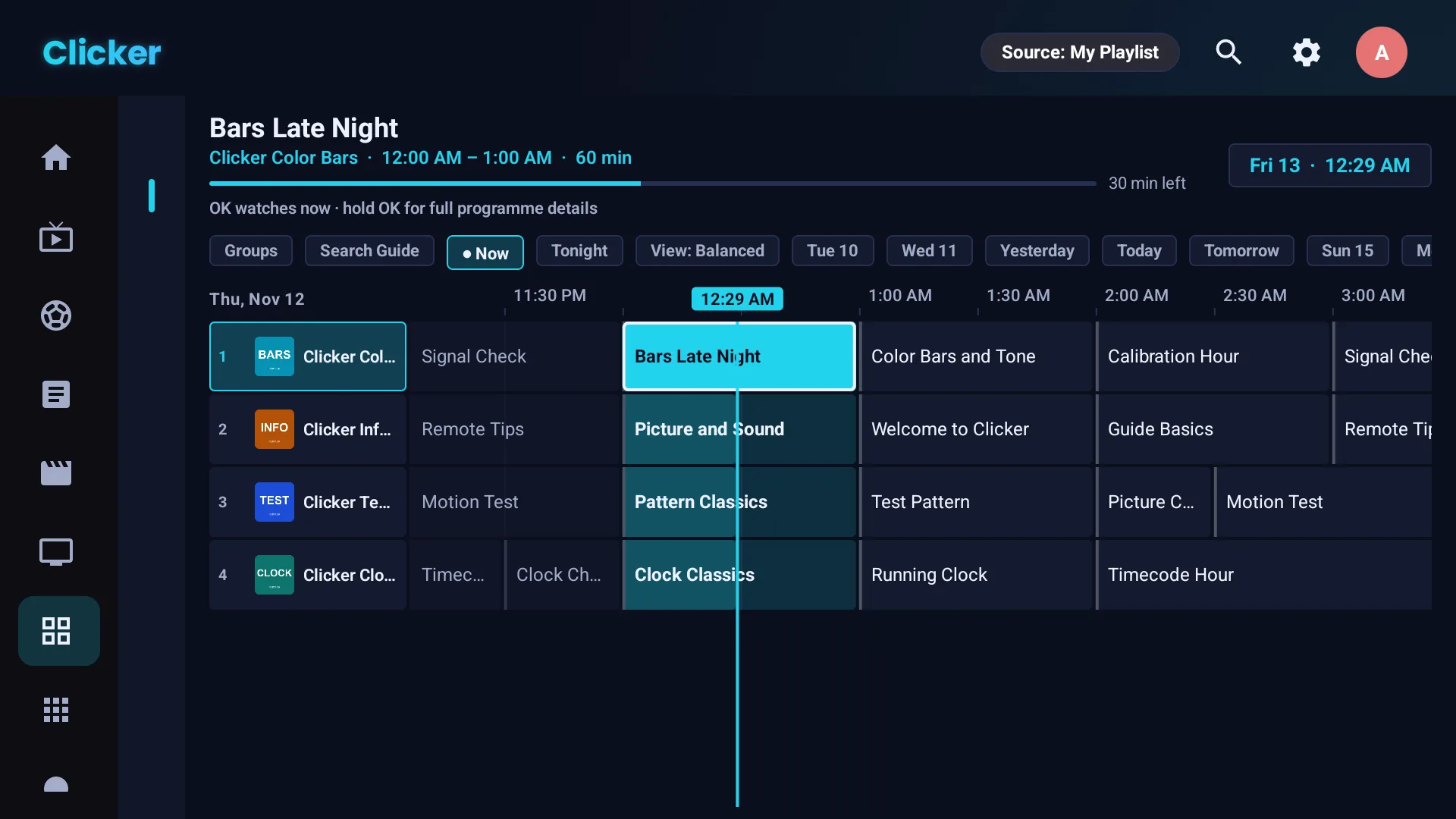
From your source: Xtream accounts supply EPG directly, and any XMLTV URL can be added (with backups) in Settings. Clicker renders it as a full cable-style timeline with reminders and catch-up where your provider supports it.
Are my playlist credentials uploaded anywhere?+
Your library is stored locally and playback connects directly to your provider. On Fire TV and Android TV, paid-key Cloud Sync is optional and uploads encrypted settings when enabled, including playlist credentials, favorites and progress; you choose whether to enable it in Settings. Its encryption key is derived from your license key, which Clicker also stores. Phone remote commands pass through our servers and can include typed text, searches or stream links. The apps also send device, license and usage information described at clickerplayer.com/privacy.
Is there a free trial?+
Better: the Free tier is free forever, no card, no countdown — one playlist and the full viewing experience. New devices also get a 14-day Plus trial to try power features like recording and multiple playlists, and a 14-day refund policy backs every purchase.
Does Clicker sell or recommend IPTV services?+
No. Clicker does not sell, rank, recommend, or broker third-party television services, and never will.
Is the app in my language?+
Very likely. Clicker is fully translated into 23 languages: English, Spanish, Brazilian Portuguese, German, French, Italian, Dutch, Polish, Turkish, Czech, Greek, Russian, Kazakh, Arabic, Hebrew, Hindi, Chinese (Simplified and Traditional), Japanese, Korean, Vietnamese, Tagalog and Cornish. Arabic and Hebrew get a right-to-left layout. It follows your TV's language, or pick one under Settings → Language (each language is listed in its own script); the change applies immediately.
 Clicker